Free & Lightweight

Precision Aim.
Perfect Crosshair.

FiveCross gives you a customizable crosshair overlay that works with any game. Gain the competitive edge you deserve — lightweight, fast, and free.

Compatible with:
Windows 11 Windows 10 Windows 8.1 / 8 / 7
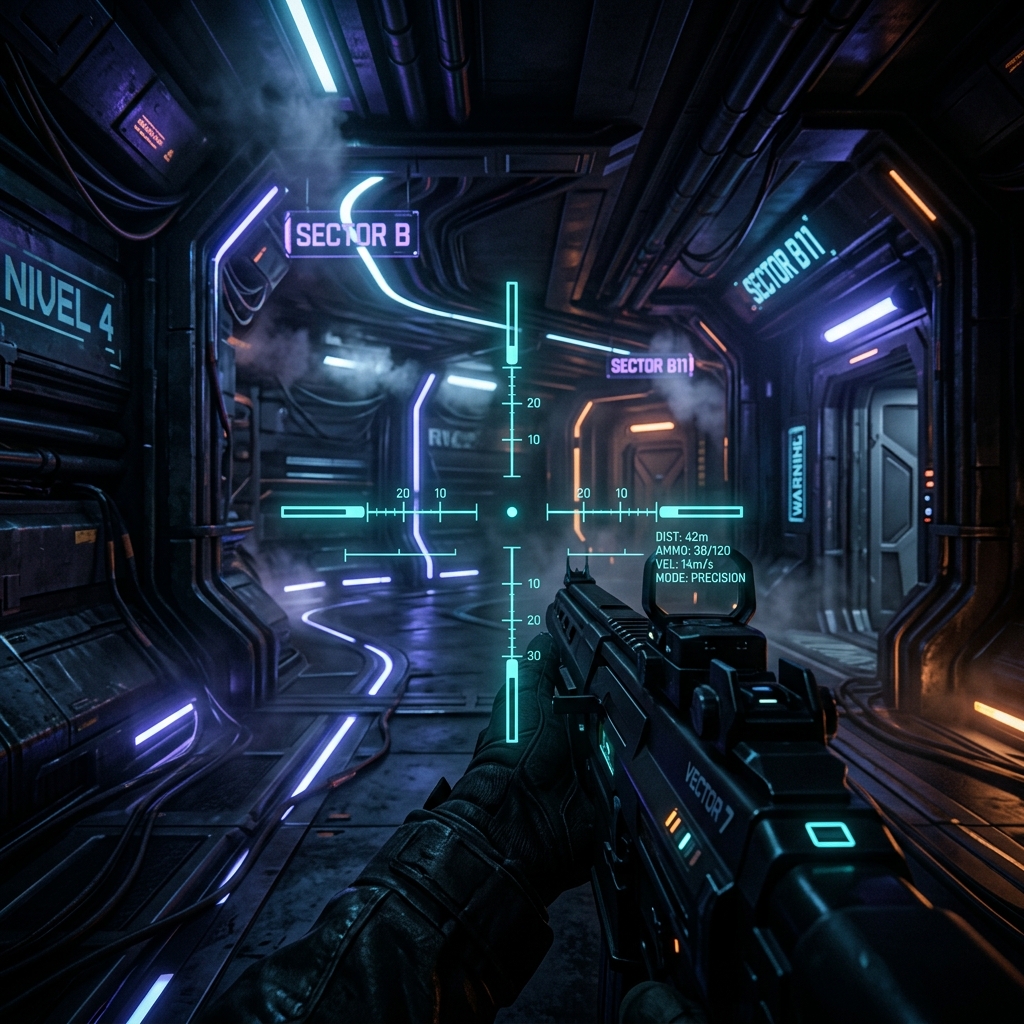
FiveCross crosshair overlay in action
Custom Crosshair Active

Built for Gamers

Everything you need to dominate — nothing you don't.

Custom Crosshairs

Choose from a variety of crosshair styles and customize them to fit your playstyle perfectly.

Lightweight & Fast

Zero impact on your FPS. FiveCross runs silently in the background using minimal system resources.

Works with Any Game

Whether you're playing Valorant, CS2, Fortnite, or any other game — FiveCross has you covered.

Safe & Clean

No bloatware, no ads, no data collection. Just a clean crosshair overlay you can trust.

Easy to Use

Download, open, and you're ready to go. No complicated setup or configuration needed.

100% Free

No premium tiers, no subscriptions. FiveCross is completely free for everyone, forever.

Download FiveCross

Choose your platform and start aiming better today.

Coming Soon

Linux

Linux support is on the way. Stay tuned for updates!

Ubuntu Fedora Arch
Coming Soon

macOS

macOS support is in development. Check back soon!

Ventura Sonoma Sequoia

How to Install

Get FiveCross running in less than a minute. It's that simple.

1

Download the App

Click the "Download for Windows" button above to download the FiveCross zip file to your computer.

2

Wait for Download

The download will start automatically. Wait for it to finish — it should only take a few seconds depending on your connection speed.

3

Open & Run

Extract the zip file, open the folder, and click on the .exe file to launch FiveCross. Alternatively, check your Desktop — the app shortcut will be right there!

Pro tip: After running the .exe for the first time, a shortcut may appear on your Desktop for quick access next time. Just double-click it to launch FiveCross instantly!